HOW TO CONDUCT A VISIT
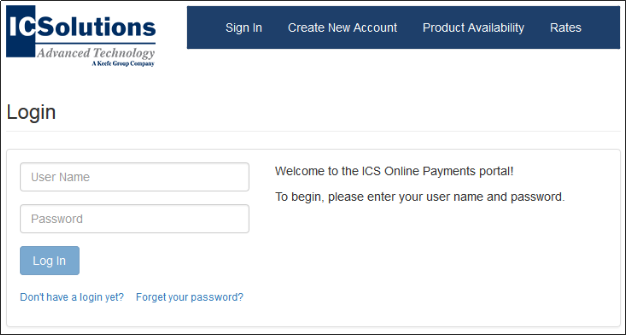
- From your computer's browser (Internet Explorer, Firefox, or Google Chrome), go to:
https://icsonline.icsolutions.com/login - Log in to your ICSolutions Prepaid Account with your username and password.
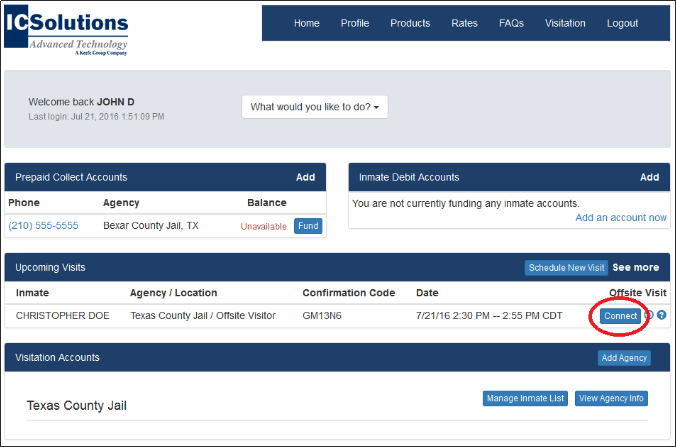
- Find your scheduled visit and click Connect.
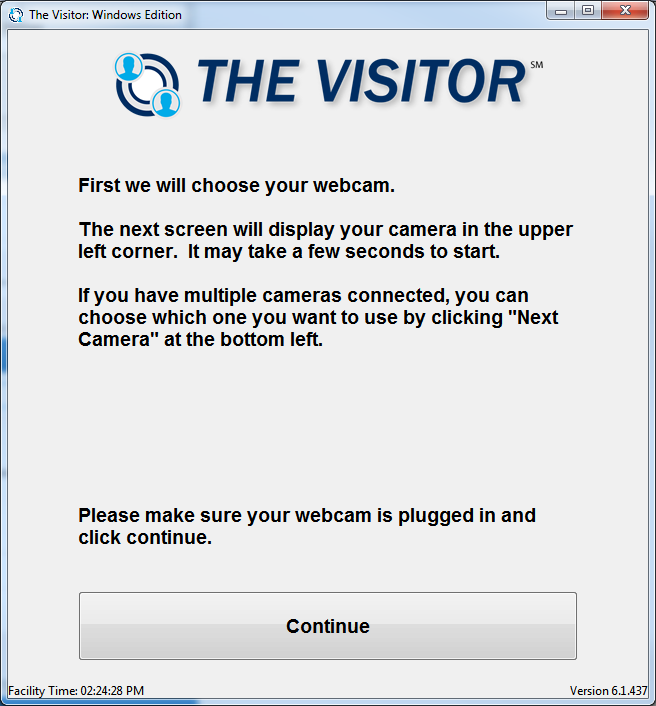
- The following screen should appear. Click Configure.
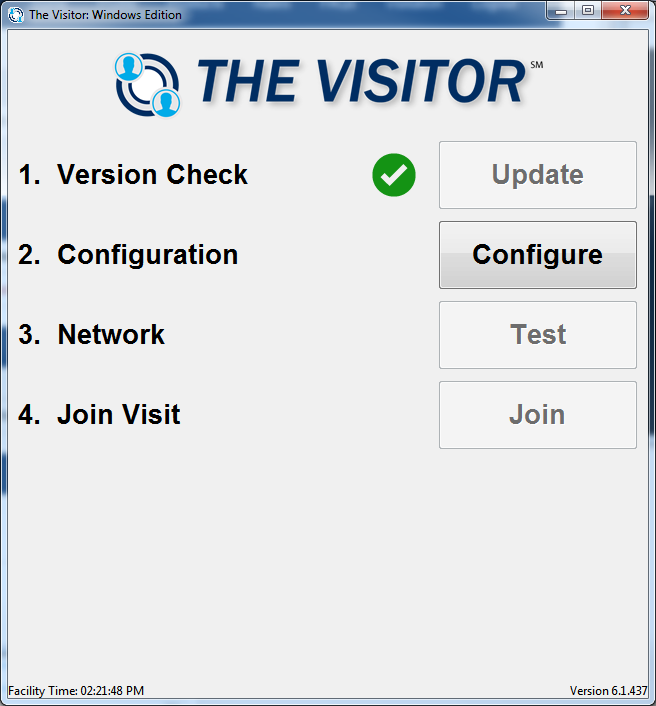
- Follow the onscreen instructions to configure your camera and microphone.
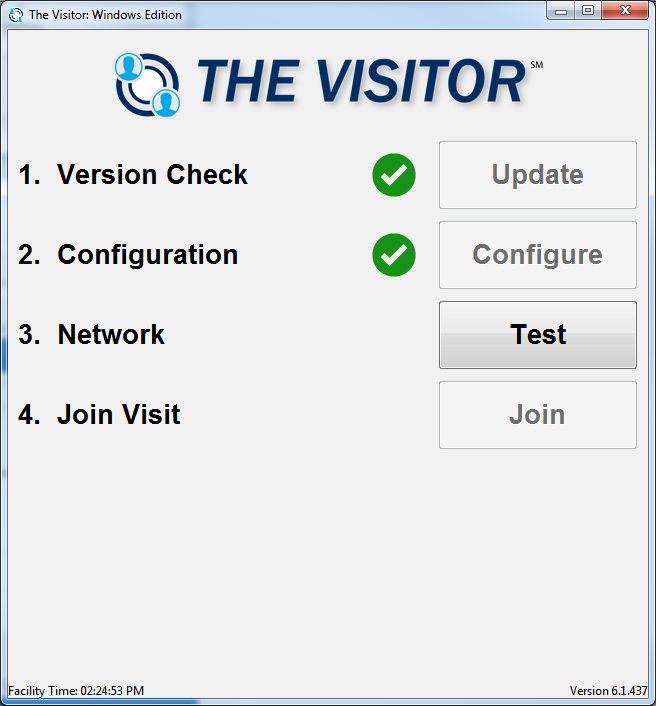
- After configuring your visit, click Test to confirm your network quality.
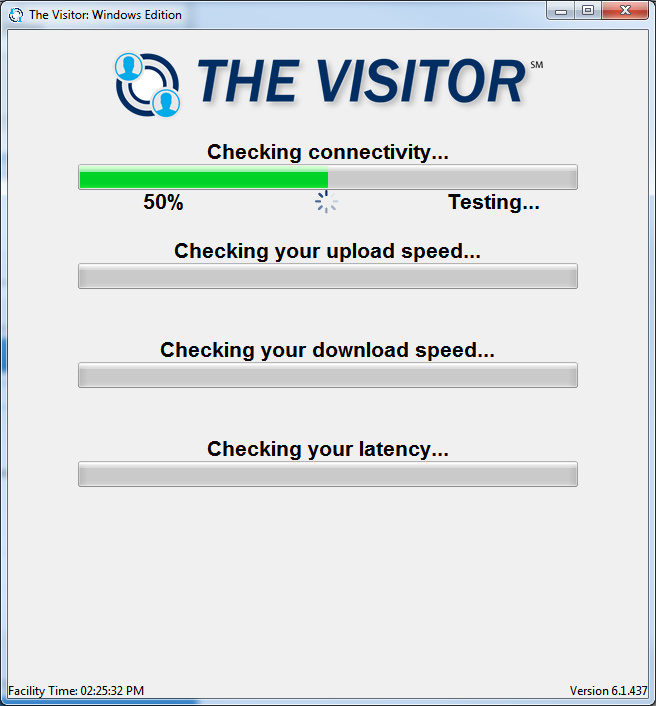
- The Visitor will automatically test your network connection.
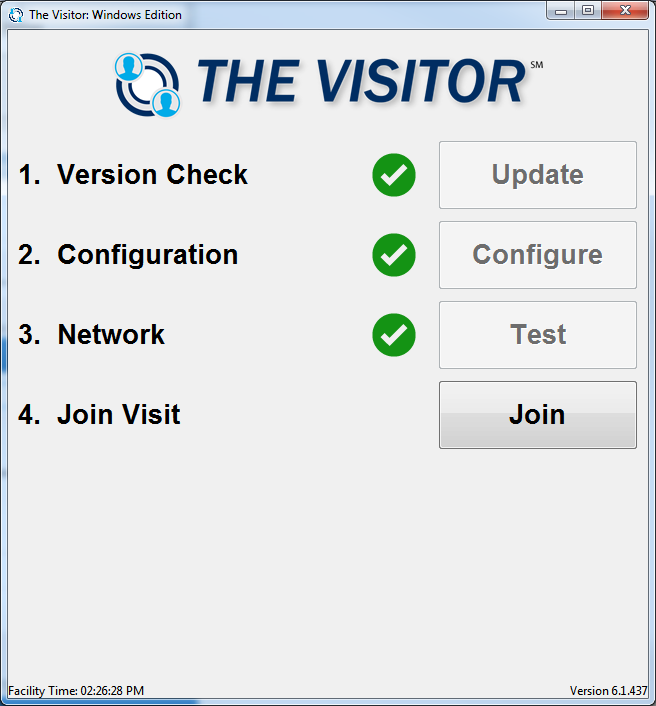
- Click Join to join your visit.
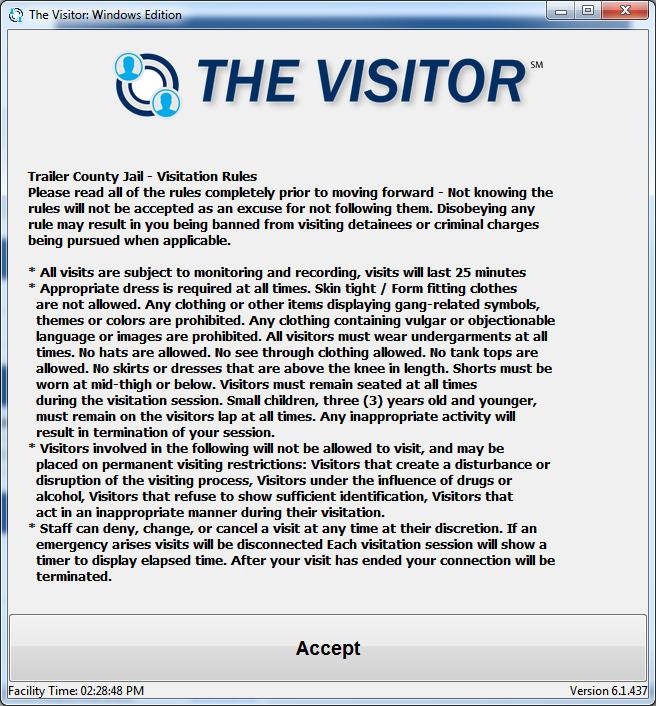
- Visitation rules will appear. Read and click Accept to start your visit.